
 UNIVLABS
AXIS CSM | Connected Surgical Management
Release status: AvailableOne Connected Workflow for Every Surgical Case.
AXIS CSM connects surgical cases, operating rooms and clinical teams in one platform for recording, collaboration, documentation and continuous learning.
The connected surgical journey
From every procedure to lasting knowledge.
Surgical caseCSM-2026-001
| Procedure | Laparoscopic cholecystectomy |
|---|---|
| Specialty | General Surgery |
| Operating room | OT-03 |
| Surgeon | Authorized clinical user |
| Recording | Available |
| Case documentation | In progress |
| Review status | Pending |
| Consent reference | Recorded, where applicable |
01 — Prepare
Organize the surgical case.
Create or link a case with patient, procedure and surgical team details. Connect existing hospital records where integrations are configured.
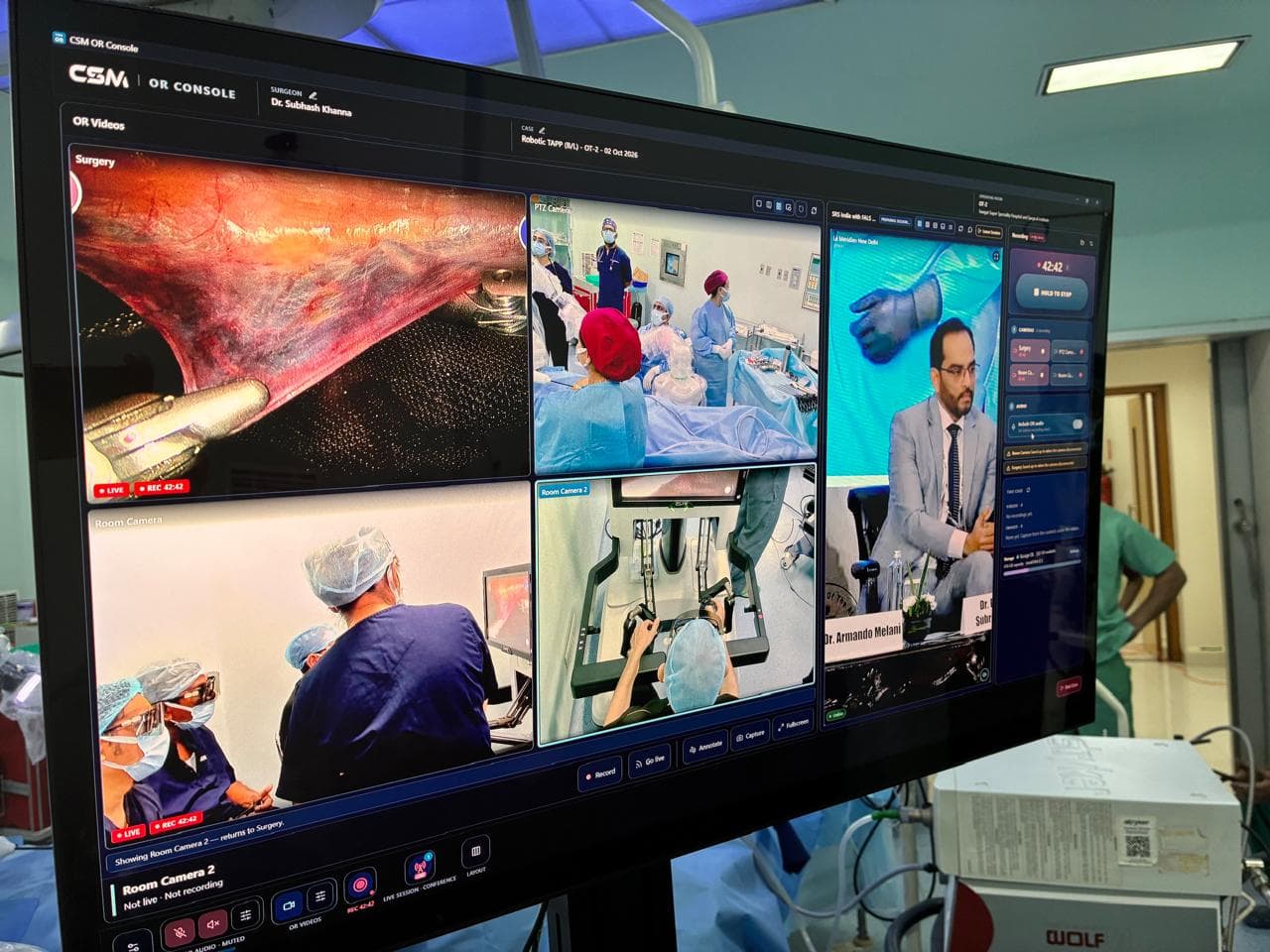
02 — Record & Collaborate
Capture the procedure and connect expertise.
Record video from compatible surgical equipment. Bring in authorized experts for live mentoring and teaching.
03 — Manage & Document
Keep case information and documentation together.
Recordings, procedure details and documentation stay linked to the case. AI-assisted documentation can be added where it is enabled.
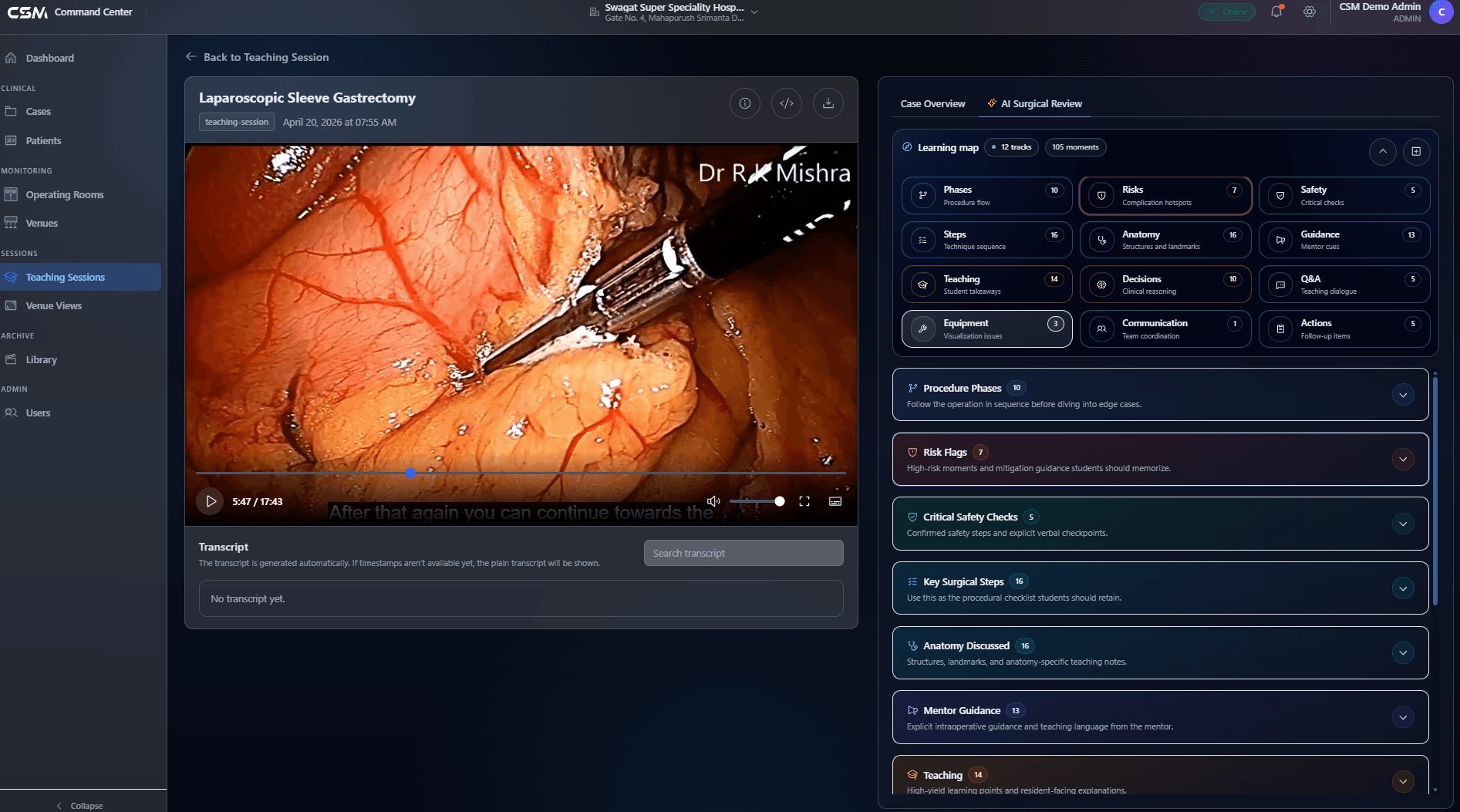
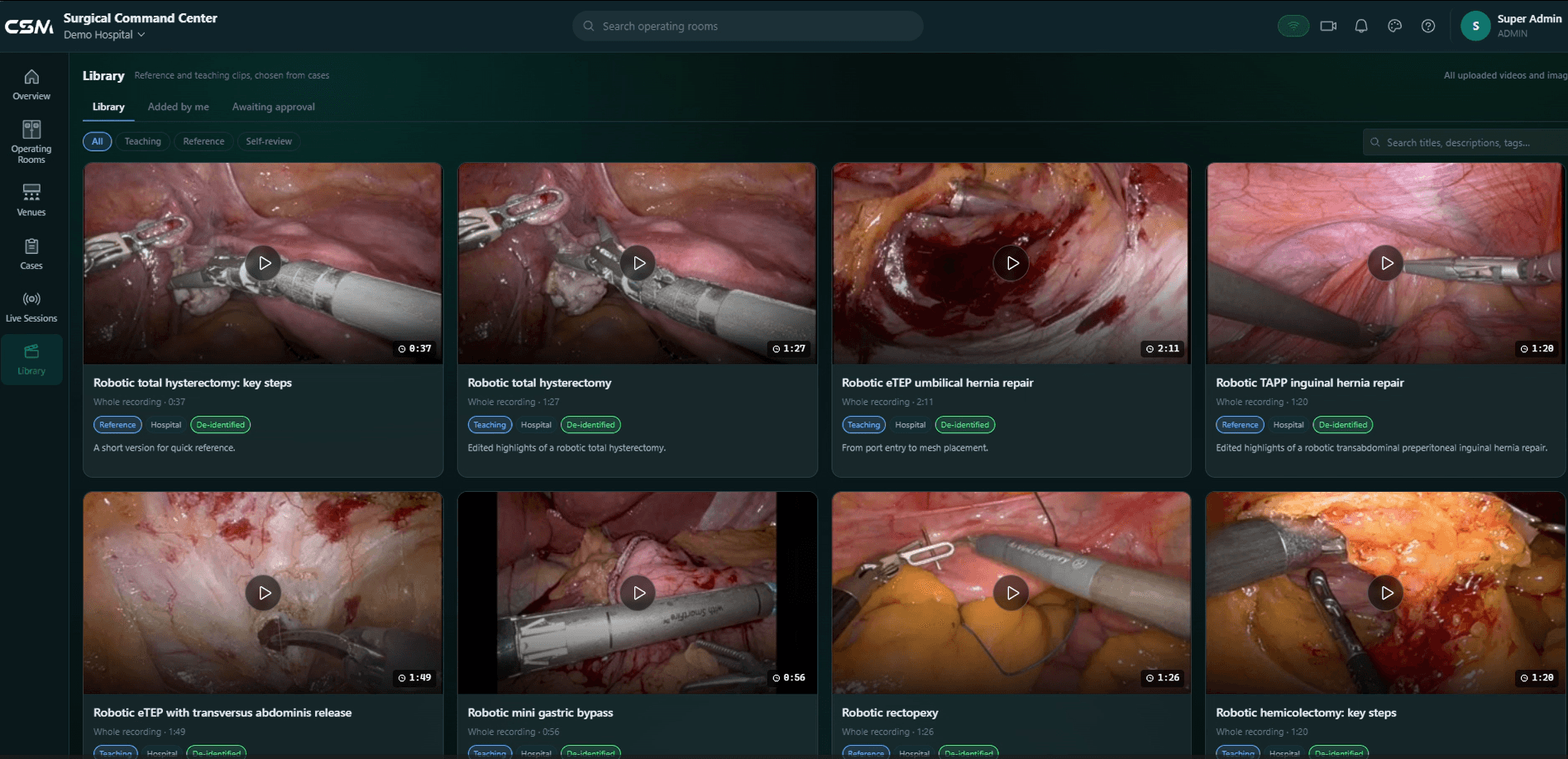
04 — Review & Learn
Turn recorded cases into learning resources.
Review cases and build an institutional video library. Support teaching and continuous professional learning.
CSM Command Center
One hospital. Multiple operating rooms. One connected view.
The Command Center coordinates surgical collaboration across the hospital: operating rooms, live sessions, teaching venues, remote experts and recordings, from one place.
Animated explainer. Screens are concept illustrations with synthetic data.
01
See every operating room
Each connected OR shows as a live tile with its case and status: in surgery, recording, idle or offline.
02
Plan, check, go live
Schedule a session, attach theatres and venues, invite participants, and run readiness checks before going live.
03
Compose the views you need
Build views from the session's sources: a single feed, picture-in-picture, side by side or a grid.
04
Route the right view
Send each approved classroom, auditorium or remote audience the view it needs, with an emergency pause.
05
Connect expertise
Bring in an authorized remote surgeon to observe and guide. The treating team stays responsible for the procedure.
06
Record and organize
Recordings and snapshots are filed to the case, ready for review and authorized teaching.
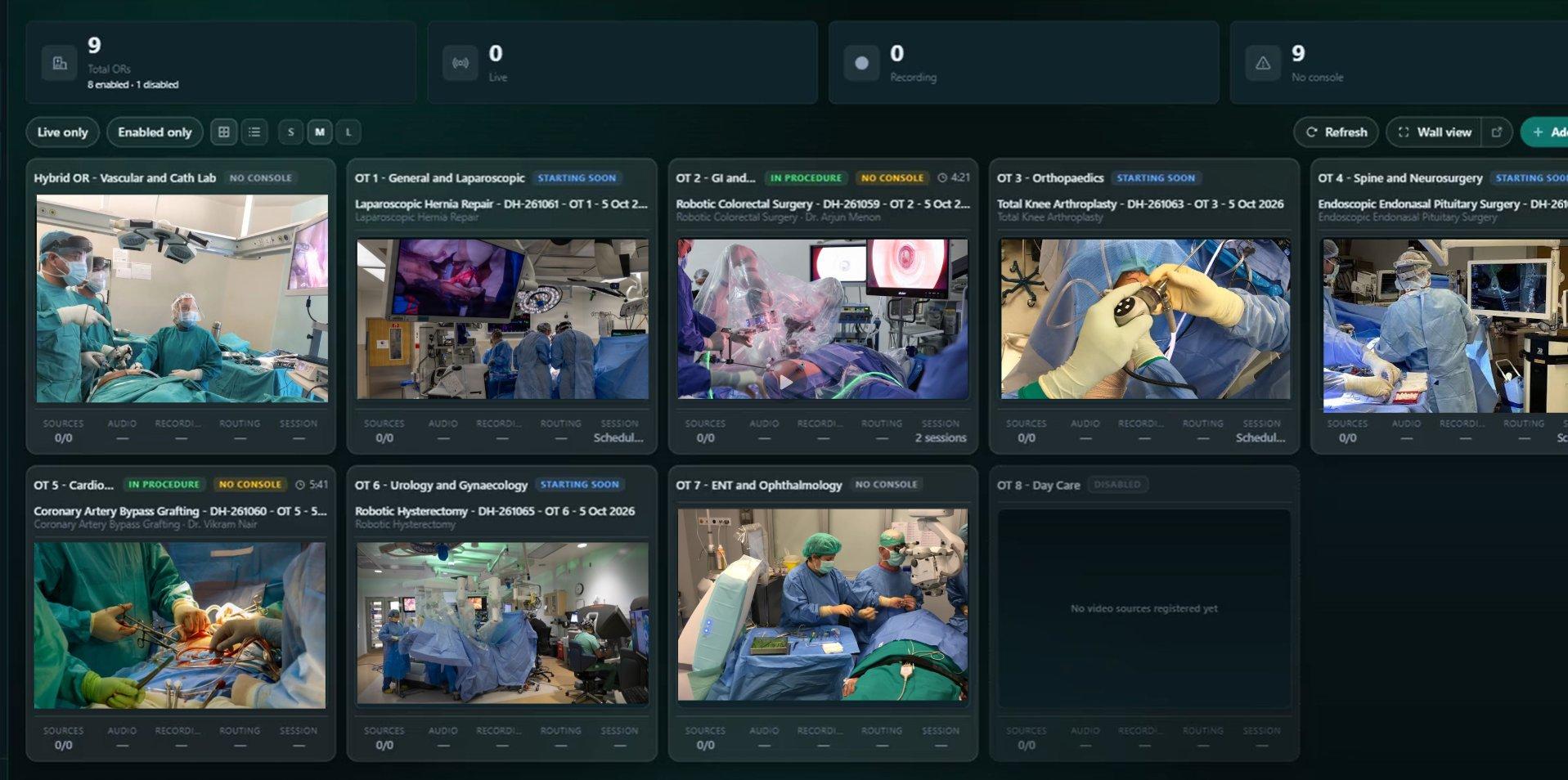
The Command Center coordinates who sees and hears what, and where. Clinical decisions and responsibility for the procedure remain with the treating surgical team.
Designed for existing hospital workflows
Works with your hospital. Not around it.
AXIS CSM connects compatible surgical equipment and supports integration with existing hospital information systems, bringing case information, recordings and documentation together without replacing the hospital’s core clinical systems.
Surgical equipment
Connect compatible medical video sources.
Hospital information systems
Support configured HIS, EHR and relevant clinical information integrations.
Controlled clinical workflows
Manage authorized access, recordings, sharing and institutional data governance.
Flexible deployment
Connect one operating room, or expand across departments and hospital locations.
Operating rooms
Compatible video sources
AXIS CSM
Connected surgical cases
Hospital information systems
Where configured
Authorized surgeons, mentors, educators and clinical teams
Powered by AXIS Edge and AxisEdge+ operating-room hardware, with on-premises and cloud-enabled deployment options. Integration capabilities depend on compatible systems, configuration and implementation requirements. Security & governance »
Make every surgical case part of a connected workflow.
Whether you’re connecting one operating room, building a surgical learning library or managing collaboration across hospitals, AXIS CSM brings your surgical workflows together.
Request a Live CSM Demo »Discuss Your Hospital Requirements
AXIS CSM — Capture. Connect. Document. Review. Learn.